The Friday Chat
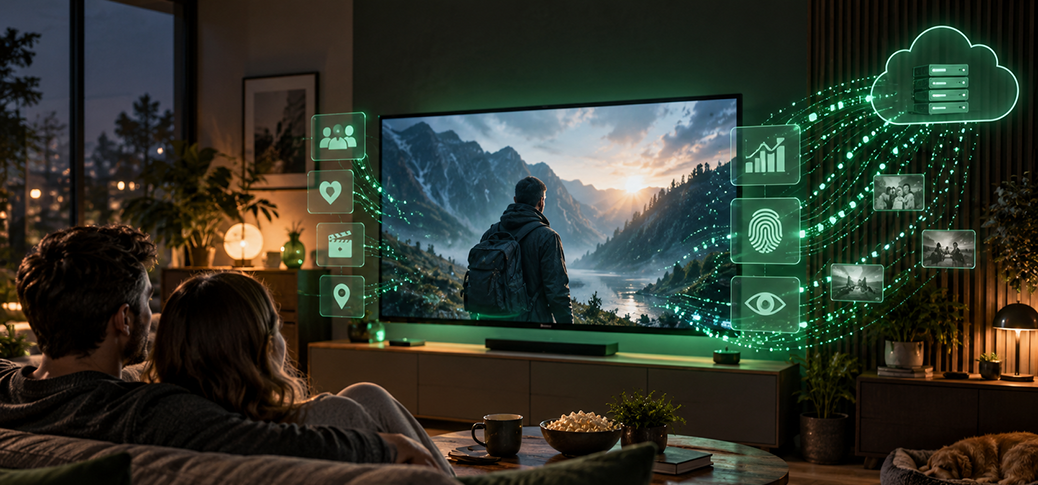
Normally, a blog post works its way toward the punchline – the surprise you didn’t see coming at the end. Today the punchline comes first: if you own a smart TV, you don’t own a television, you own a computer. And computers do computer things.
Everything you’ve learned about privacy and data protection deserves a second thought when it comes to a smart TV – especially since it sits in the one place where you feel least watched: the living room.
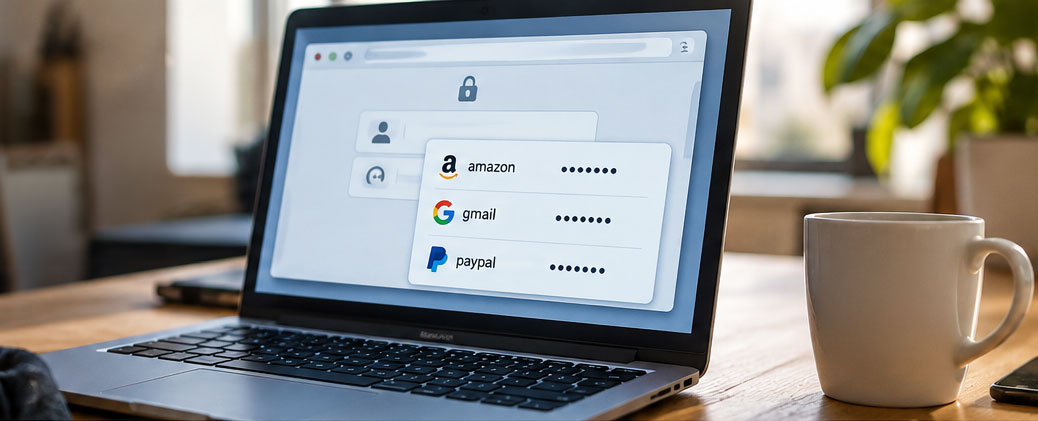
Your laptop is sitting open on the table, and you step away for a quick coffee. Your browser has the logins saved for your email, your favorite online store and a handful of other accounts. Anyone who sits down now won’t see a plainly readable list of passwords.
But can someone use that brief unwatched moment to log in to your accounts?
The Friday Chat
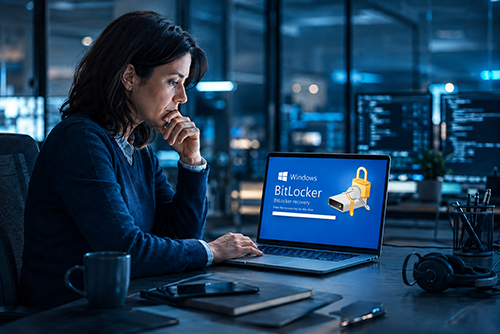
Your PC stops starting normally, then after a repair or a boot problem, a blue screen suddenly appears – and Windows asks for a 48-digit “recovery key.” Many people see that message for the first time in their lives.
What’s unsettling is this: BitLocker is often already active on the computer, even if the owner never knowingly turned it on.
The Friday Chat

Banner ads, blinking pop-ups, cookie notices on every single page load and invisible trackers keeping tabs on what you read: the open web is full of things nobody wants to see. A good content blocker sweeps all of that away – and not just the ads.
But “just install some blocker” is exactly the trap.

As legend has it, Bill Gates supposedly said in the early days of the PC that 640 kilobytes of memory were “enough for anybody.” Whether he ever actually said it is disputed – Gates himself denies it to this day. But the quote has stuck around, because it captures so neatly the question everyone was asking back then: how much is actually enough?
Today the very same question is back – for a surprisingly different reason.